
If you are on PAYE and you paid too much tax, HMRC works it out after the tax year ends and sends you a tax calculation letter — the P800. What happens next is where most people are working from out-of-date advice.
For years the answer was “do nothing and a cheque turns up”. That is no longer reliably true. HMRC has moved the refund journey online, and in many cases the money sits there until you go and ask for it.
Checkpoints
- A P800 is a tax calculation letter, not a bill and not a cheque
- Automatic cheques have largely ended — many refunds must be claimed
- Claim through your Personal Tax Account or the HMRC app
- HMRC never texts, emails or calls you offering a rebate
1 Read the P800 before you do anything
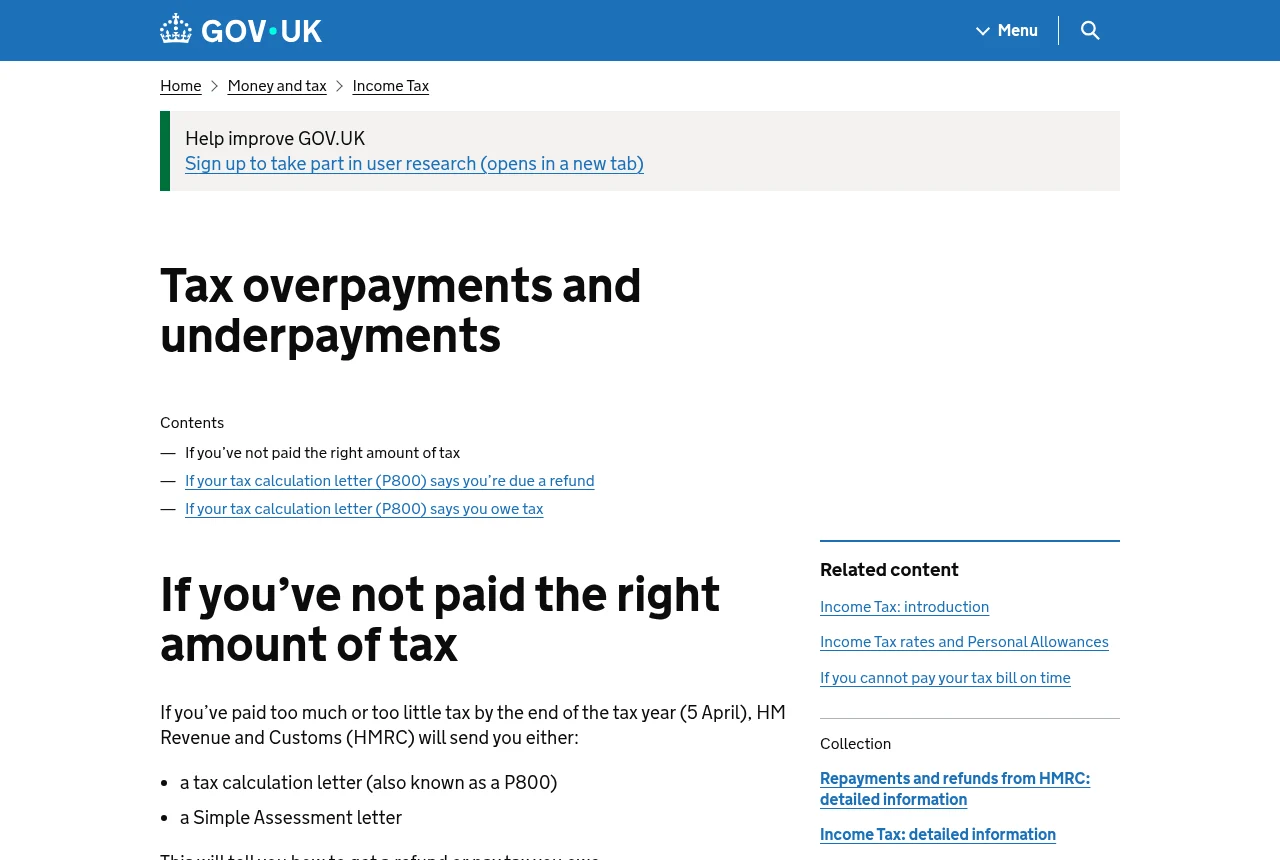
The tax overpayments and underpayments guidance explains what the letter is: HMRC’s calculation of what you should have paid through PAYE against what you actually paid.
It tells you which route applies to you — whether a cheque will be issued automatically, or whether you must claim online. Read that sentence rather than assuming.
If the figures look wrong, contact HMRC before doing anything else. A P800 built on the wrong employment history or the wrong tax code produces the wrong answer, and accepting it quietly does not fix it.
2 Claim it, because it may not come to you
HMRC modernised repayments and stopped generating automatic payable orders in most circumstances. In its own words, a customer who takes no action will no longer receive an automatically generated payable order.
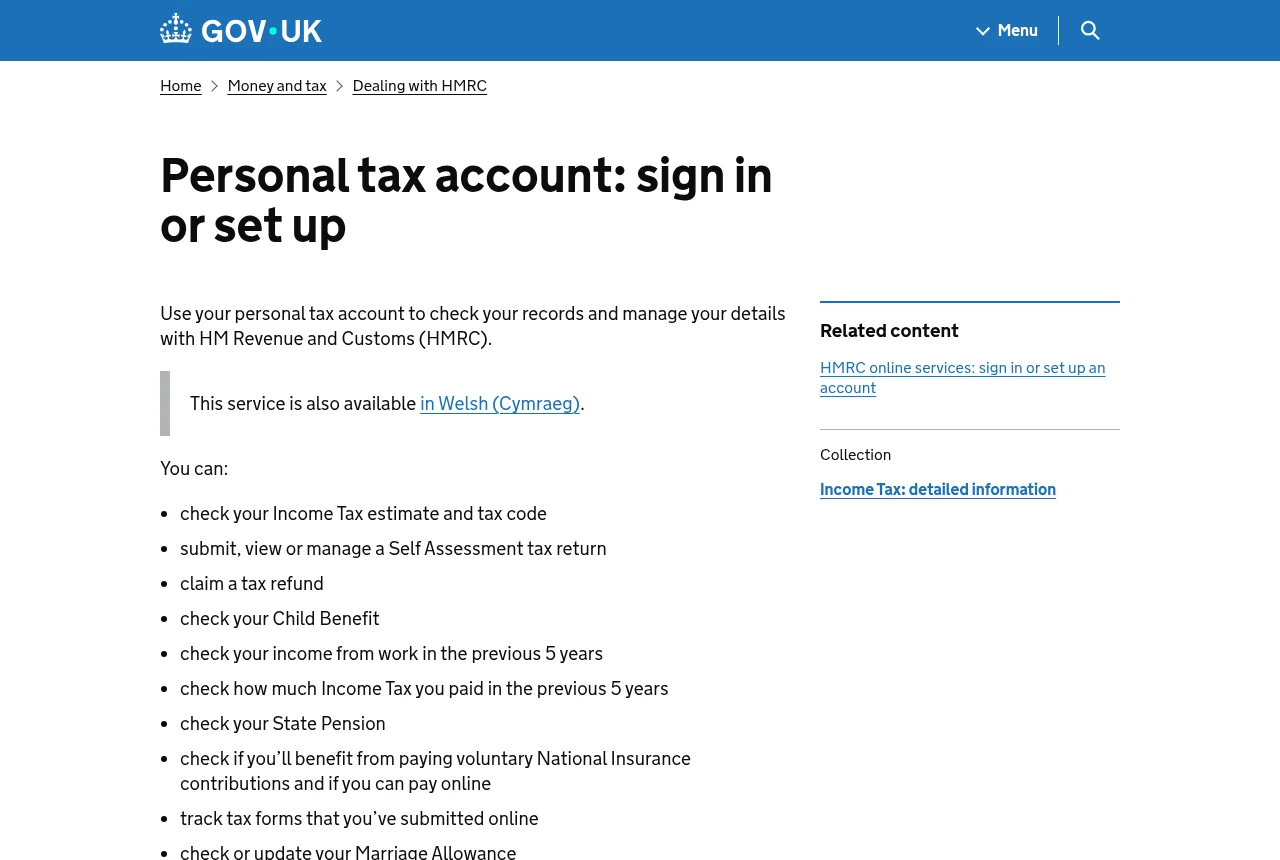
The practical route is your Personal Tax Account or the HMRC app: sign in, find the repayment, and choose bank transfer or a cheque. Bank transfer needs a UK account and is the faster option.
For the year you are currently in, a different service applies — Check your Income Tax for the current year lets you see and correct what HMRC thinks you are earning, before a P800 ever gets written.
3 Every refund text you receive is a scam
This deserves its own section because the scam is so well tuned to the moment. HMRC does not text, email, or ring you to offer a rebate, and it never asks for bank details that way.
When one arrives, report it rather than deleting it. Forward suspicious emails to [email protected], forward texts to 60599, and report calls through HMRC’s reporting form.
Note that these are HMRC-specific channels. Generic phishing goes to [email protected] and 7726 — different service, do not mix them up.
4 Common mistakes, and how to avoid them
Mistake 1
Waiting for a cheque that HMRC no longer sends automatically in most cases.
Mistake 2
Trying to claim on the “Check how to claim a tax refund” page, which is only a router.
Mistake 3
Accepting a P800 whose figures are wrong instead of contacting HMRC to correct them.
Do this today
Sign in to your Personal Tax Account and look for a repayment. If nothing is showing, check what HMRC believes you earn with Check your Income Tax for the current year.
FAQ Frequently asked questions
What is a P800?
A tax calculation letter sent to people who are employed or receive a pension, telling them they paid too much or too little tax through PAYE, and how to get a refund or pay what is owed.
Will I get a cheque automatically?
Only if your P800 says so. HMRC has largely stopped issuing automatic payable orders, so in many cases you must claim online through your Personal Tax Account or the HMRC app, choosing a bank transfer or requesting a cheque.
I got a text saying I am due a tax rebate. Is it real?
No. HMRC does not offer rebates by text, email or phone call. Forward the text to 60599, forward suspicious emails to [email protected], and report scam calls through HMRC’s online form.
Key takeaways
- The P800 is a calculation letter — read which repayment route it gives you
- Automatic cheques are largely gone; claim through the Personal Tax Account or app
- Fix a wrong P800 by contacting HMRC, not by ignoring it
- Any rebate text, email or call is a scam. Report it