

You filed. The money has not arrived. You open the IRS tool, type in your details, and it tells you the information does not match — or shows a single bar and nothing else.
Almost every version of this has a specific, knowable cause. The tool is stricter than it looks, it updates less often than you assume, and several delays are written into law rather than being a sign that something went wrong.
Checkpoints
- Status appears about 24 hours after e-filing, or about four weeks after mailing paper
- The tool refreshes once a day, overnight — checking hourly tells you nothing
- EITC and Additional Child Tax Credit refunds are held by law until mid-February
- A CP5071-series letter means identity verification, not fraud on your part
1 Read the three bars for what they actually mean
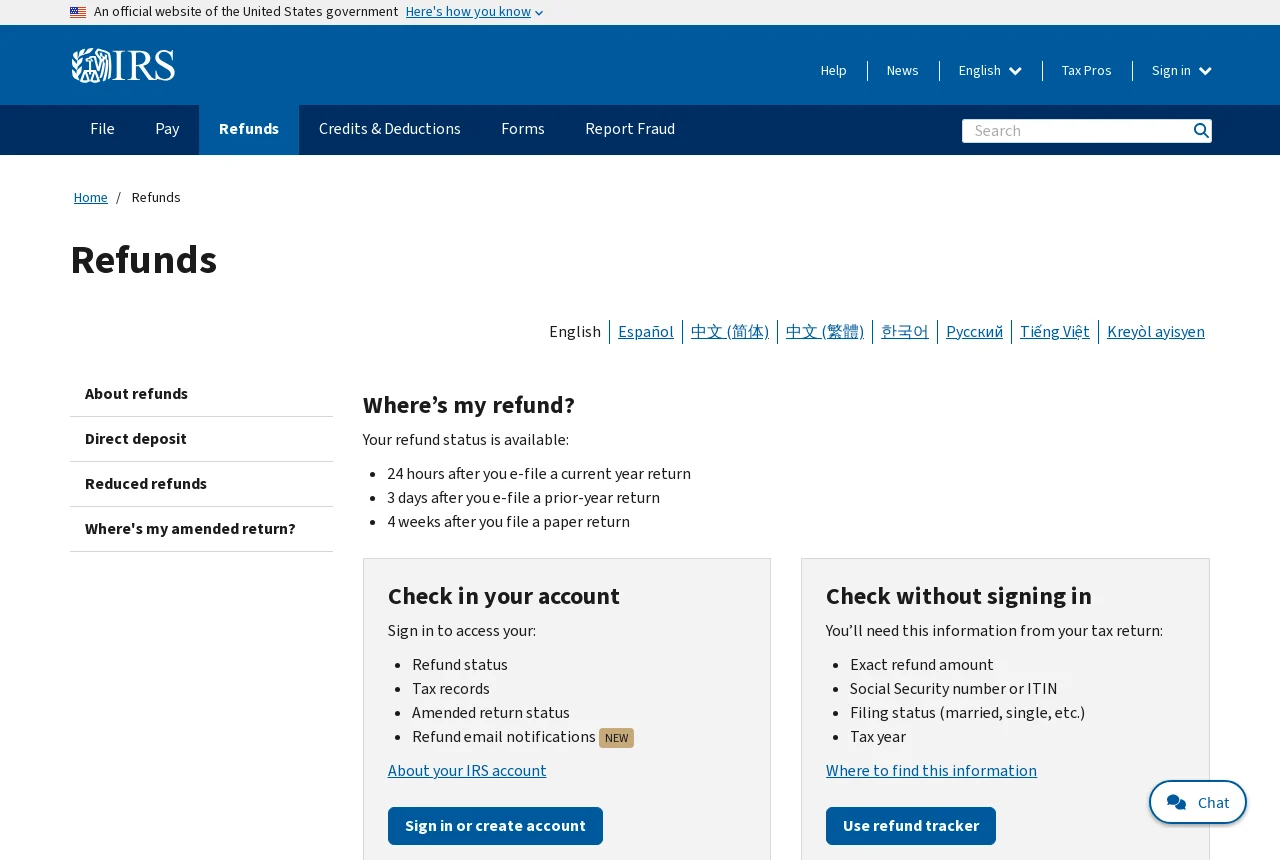
Where’s My Refund shows exactly three states, and people consistently over-read them. Return Received means the IRS has it and is processing — nothing more. Refund Approved is the meaningful one: a personalized send date appears alongside it. Refund Sent means it has left the IRS, either to your bank or in the mail.
Timing on when the tool starts showing anything: roughly 24 hours after you e-file a current-year return, about three days for a prior-year e-file, and about four weeks after you mail a paper return. Before that, the absence of a status means nothing at all.
The tool updates once daily, usually overnight. There is no queue position to watch and no benefit to refreshing. If you want a fuller picture — balance, notices, transcripts, payment history — sign in to your IRS Individual Online Account instead.
2 Identify which delay you are actually in
The IRS names the usual causes: an error that needs correction, a claim for the Earned Income Tax Credit or Additional Child Tax Credit, identity verification, an amended return, or an injured-spouse allocation. Paper returns are slower across the board.
The EITC/ACTC hold is the one that surprises people most, because it is not a problem with your return. Under the PATH Act, the IRS is legally barred from releasing those refunds until mid-February, no matter how early you filed. Nothing you do speeds it up.
An amended return is a different track entirely. Form 1040-X has its own tool, Where’s My Amended Return, which needs your SSN, date of birth and ZIP code, and shows nothing for roughly the first three weeks after you submit.
3 Handle an identity-verification letter correctly
If a return was filed under your SSN and the IRS cannot confirm it was you, it mails a letter in the CP5071 series — most people know it as a 5071C. Your refund stops moving until you respond. This is a fraud control, not an accusation.
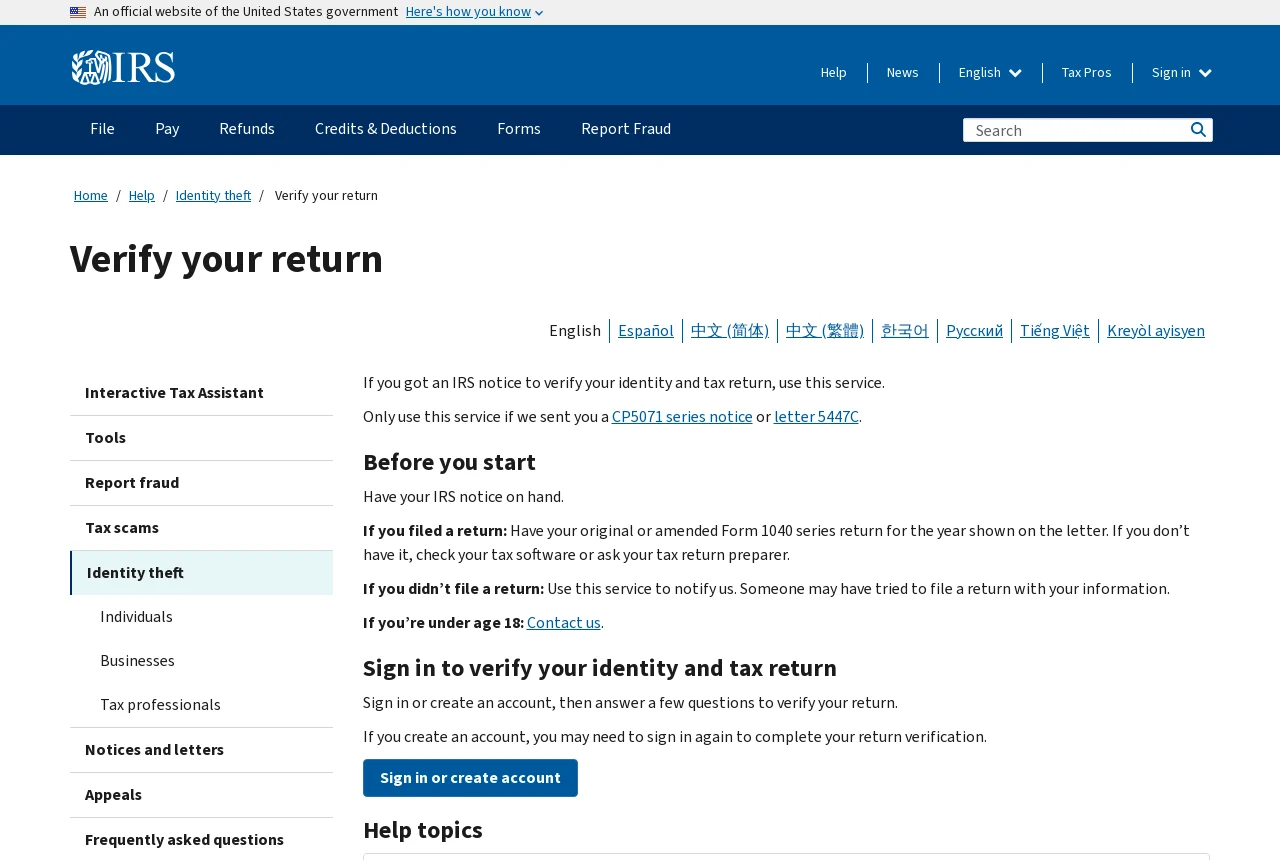
Verify at irs.gov/verifyreturn. You will sign in to (or create) an IRS account with ID.me identity verification, and you will need the notice itself and the Form 1040 return it refers to in hand. If you did not file the return in question, the same tool lets you tell the IRS that.
Two things people get wrong here. First, ignoring the letter — the refund simply never moves. Second, over-correcting: if you verified your return through the tool, you do not need to file Form 14039 unless the IRS specifically tells you to. After verifying, expect the return to need several more weeks of processing.
4 Common mistakes, and how to avoid them
Mistake 1
Entering a rounded refund amount or the wrong filing status, then concluding the return was lost.
Mistake 2
Refreshing the tool all day — it updates once, overnight.
Mistake 3
Ignoring a CP5071-series letter, which quietly stalls the refund indefinitely.
Do this today
Find your exact refund amount on the return you filed, then check Where’s My Refund once. If it will not match, sign in to your IRS Online Account and read the return from there.
FAQ Frequently asked questions
Why is my refund taking longer than I expected?
The IRS lists the usual causes: an error needing correction, a claim for the Earned Income Tax Credit or the Additional Child Tax Credit, identity verification, an amended return, or an injured-spouse request. Paper returns also take substantially longer than e-filed ones.
What do the three status bars mean?
Return Received means the IRS has your return and is processing it. Refund Approved means it is approved and being prepared, with a personalized send date shown. Refund Sent means it has been issued to your bank or mailed.
I got a 5071C letter. Is my refund gone?
No. It means a return was filed under your SSN or ITIN and the IRS needs to confirm it was you. Verify at irs.gov/verifyreturn, or as the letter directs, and the return resumes processing.
Key takeaways
- The tool needs the exact refund amount and filing status — it will not guess
- It updates once a day, overnight
- EITC/ACTC refunds are held until mid-February by law, not by error
- A CP5071/5071C letter must be answered at irs.gov/verifyreturn or nothing moves